
Asus already had one of IGN’s favorite 4K gaming monitors on its hands with the Asus ROG Swift PG32UCDP, delivering a gorgeous OLED panel that could render 4K games at a zippy 240Hz or swap to 1080p for an even faster 480Hz. It’s still an excellent option on the market and made all the more affordable by its age. Now almost two years on, Asus has the ROG Swift OLED PG27UCWM, a very similar monitor with a smaller 27-inch panel that gets some new display tech for slight visual refinement. Of course, newer tends to mean more expensive, and this model is set to come in at $1,199, putting it well ahead of other competing OLED displays like the earlier PG32UCDP, which was sitting at $859 at the time of writing, or the 1440p/500Hz MSI MAG 272QP QD-OLED X50 at $599. Let’s have a look at how it stacks up.
Design and Features
Asus didn’t leave much out when it designed the ROG Swift OLED PG27UCWM. That said, it doesn’t have speakers, but you’ll find it checks boxes in just about every other department.
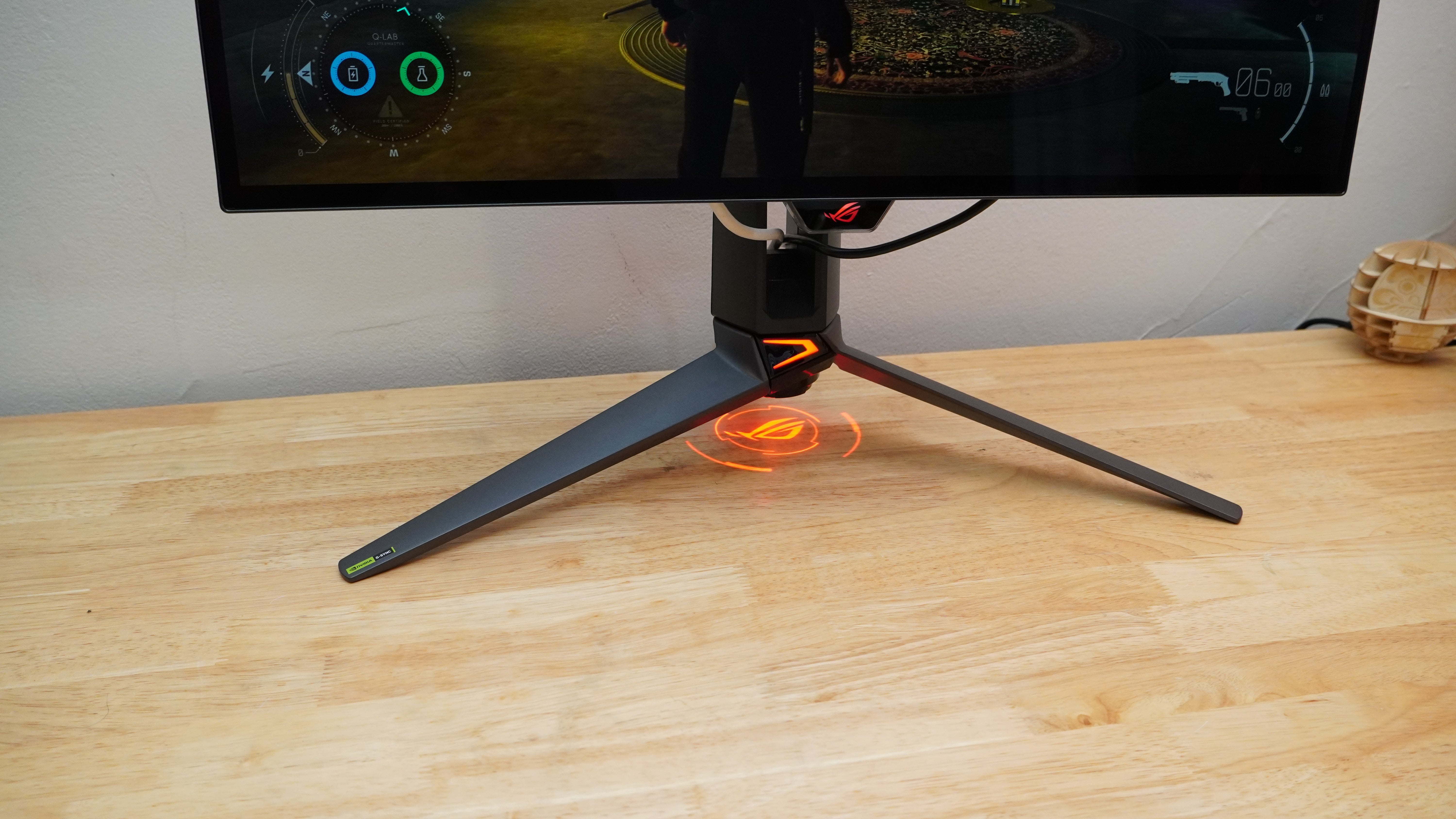
From the front, it looks like a fairly tame, cleanly-built gaming monitor with perhaps a bit of a gaudy stand thanks to the angular, gamery aesthetic and the LED bat signal of the ROG logo that it wants to splash onto your desktop day and night (this can be turned off, thankfully). If you want, you can swap for a VESA stand using an included adapter. The provided stand is plenty functional, though, offering the typical range of adjustments you’ll find on a high-end monitor. There’s also a slot in the neck of the stand for passing through cables, and where some monitor stands make it quite a squeeze to even get power and a single HDMI cable through this portal, the PG27UCWM provides plenty of room for multiple cables.
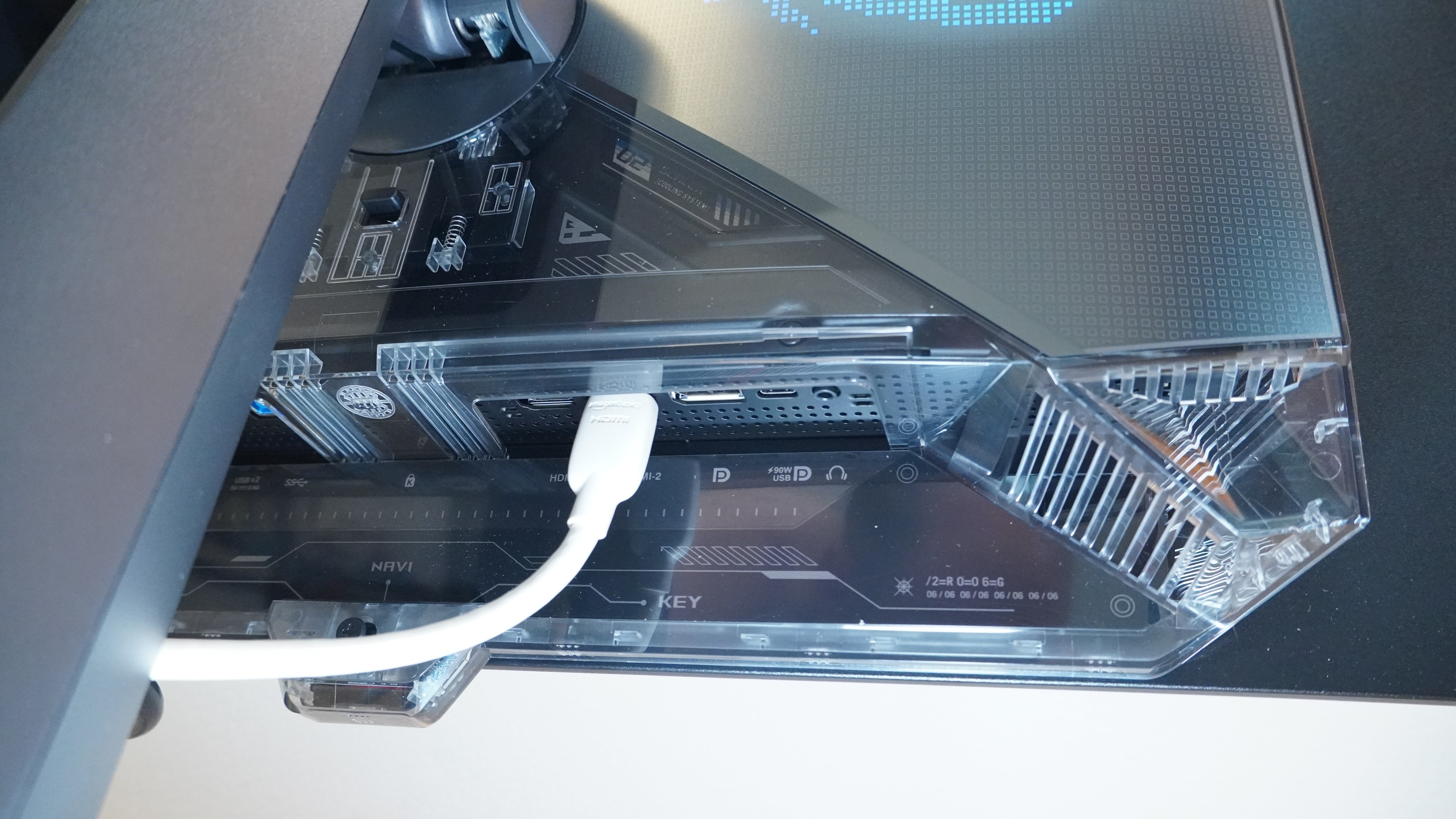
The PG27UCWM is ready for a lot of cables, too. You’ll find two HDMI 2.1 ports, a DisplayPort 2.1a port, and even a capable USB-C port that’ll take in video and send out up to 90 watts of power. There are two USB ports for passing data to a connected system, letting the monitor serve as a USB hub as well with a KVM switch so you can pass that connection to the USB-C link or a separate USB-B link. If you want to connect speakers, there’s a headphone jack, too.
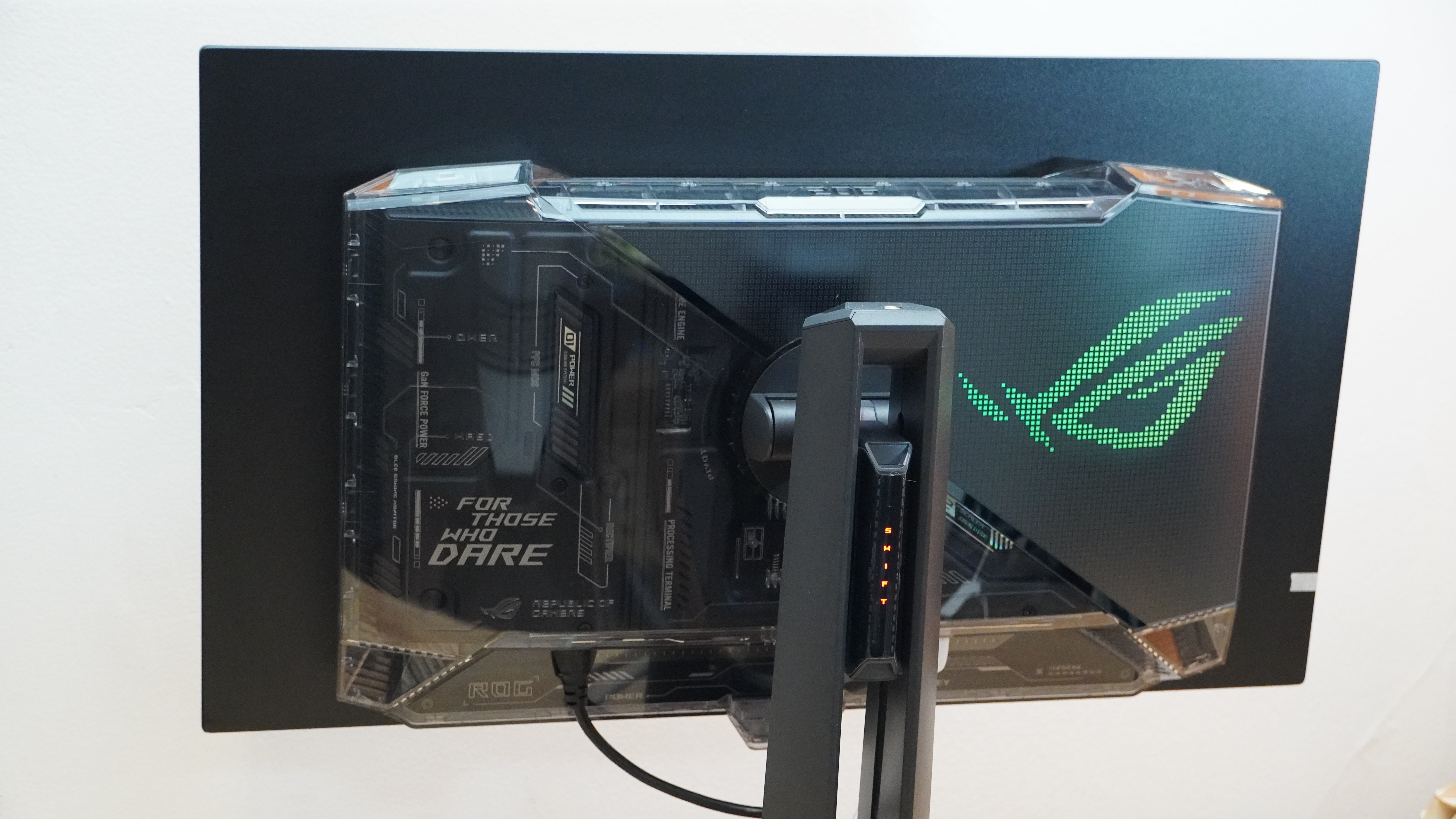
Around back, the PG27UCWM spices things up a little. Rather than the classic black ABS plastic you’ll find on half the monitors in the world, the PG27UCWM opts for a transparent plastic that gives it something of a cyberpunk aesthetic. It may still feel like cheap plastic, but it looks damn good.
Another feature is a presence sensor that can help preserve the lifespan of the OLED panel by dimming it whenever you step away. I didn’t find it overly sensitive, so I wasn’t concerned it’d blink off while I’m in the middle of a game.
Adjusting settings in the monitor is easy with a joystick control for navigating menus and making selections. This sits just behind the presence sensor at the bottom edge of the display.
Then there’s the display itself. The ROG Swift OLED PG27UCWM packs a 4K/240Hz display with HDR10 and Dolby Vision support, variable refresh rates down to 48Hz, and a setting that swaps the display to 1080p and cranks the max refresh rate up to 480Hz.
The display is glossy, which can hurt in a bright room, but it has a decent anti-reflection coating that at least cuts down on how bright reflections appear.
Testing
The Asus ROG Swift OLED PG27UCWM proves its worth with strong performance in objective measurements. My colorimeter measured a wide color gamut with 100% coverage of sRGB, 89% coverage of AdobeRGB, and 97% coverage of DCI-P3 color spaces. The monitor delivers the color accurately with an average dE1976 of 1.04 and a max of 2.66, making this a solid option for creative work. The monitor achieved these results in its default Racing picture profile, but not all different settings will perform as well. The Scenery picture profile, for instance, had a bad color accuracy dE1976 average of over 10.
By default, the display ran a tame 147.6 nits that would be comfortable in a modestly lit room, and that comes alongside infinite contrast thanks to 0.0-nit black levels. This level came alongside a standard 2.2 gamma curve and a comfortable 6600K whitepoint. Bumping the brightness level to 100% raised the white level to 249.7 nits.
HDR is a specialty for this display. It may not go incredibly bright for a full screen in normal use, but it can bring out more light in HDR. I measured a 294.8-nit whitepoint for a full screen and a 519-nit whitepoint for a 10% window with the remaining screenspace blacked out. That could go higher still for smaller highlights, but required switching the monitor to its Adjustable HDR setting and raising the brightness to 100%. In those conditions, I measured a 4% window at 1,066 nits and a 1% window at 1,172 nits. Those high brightness levels can sag quickly, but for temporary, bright bursts of HDR highlights, they’ll dazzle.
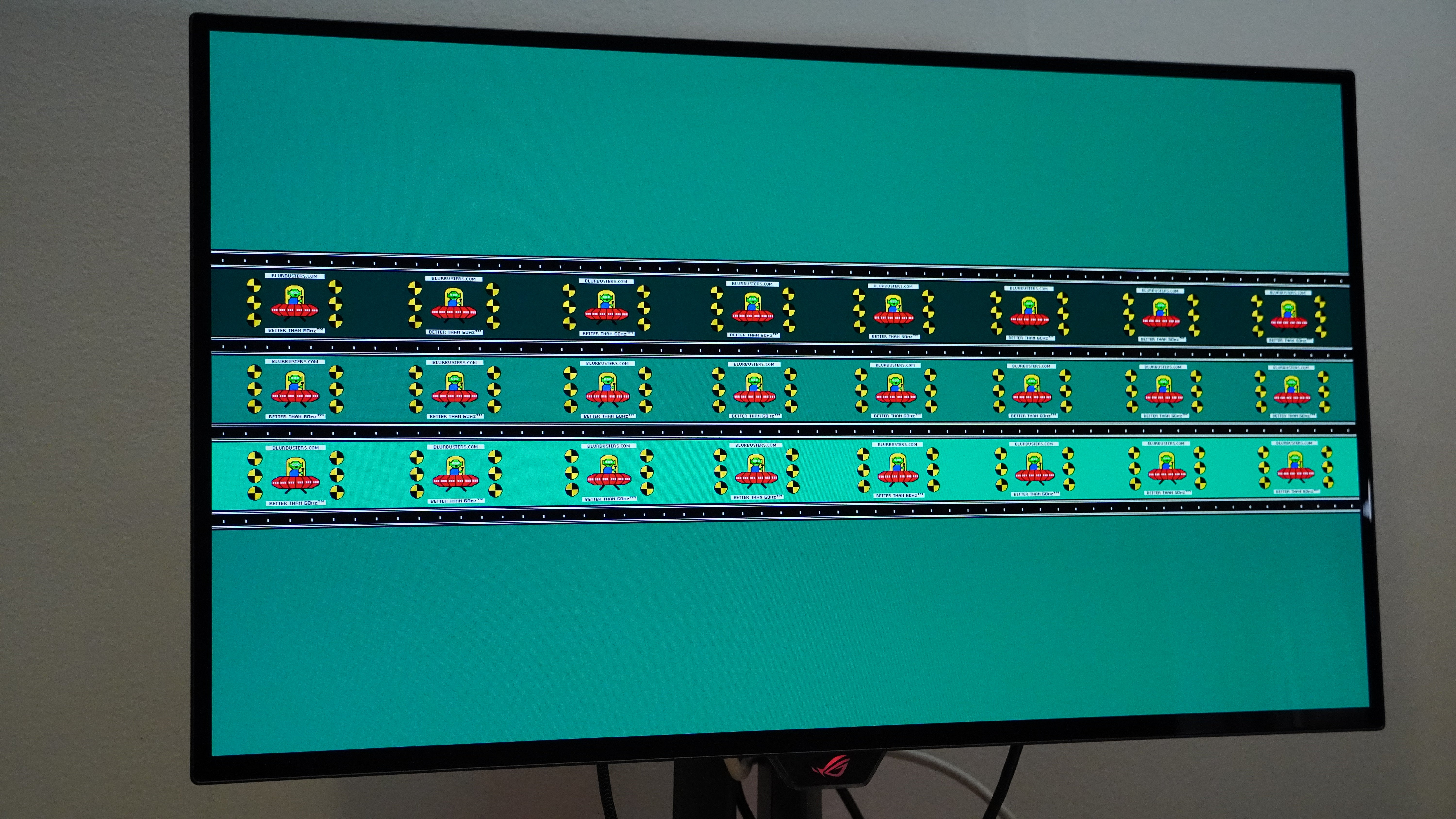
Motion clarity is also exceptional. The monitor’s support for a 240Hz refresh rate in 4K or 480Hz in 1080p combined with the ultra-fast pixel response time of OLED keeps details sharp in fast motion.
Gaming and Performance
The Asus ROG Swift OLED PG27UCWM’s panel is excellent for both work and play. OLED panels had already been shifting away from troublesome sub-pixel layouts that could show color fringing on fine detail and text or basically anywhere with a sharp edge. With the PG27UCWM, Asus incorporates a panel with an RGB strip sub-pixel arrangement, aligning with the sub-pixel arrangement of your typical monitors and thus avoiding the issue entirely. Working in text documents, watching movies, and playing games, I never spotted the color fringing that had impacted some earlier OLED display.
Even if it had the fringing, it might have been hard to spot since the 4K panel is stunningly sharp on a 27-inch screen. I didn’t find myself pixel peeping. The screen looks great for movies, which are sharp and really play up the contrast and color the panel can provide. If you pair the monitor with the right video source, you can even tap into Dolby Vision.
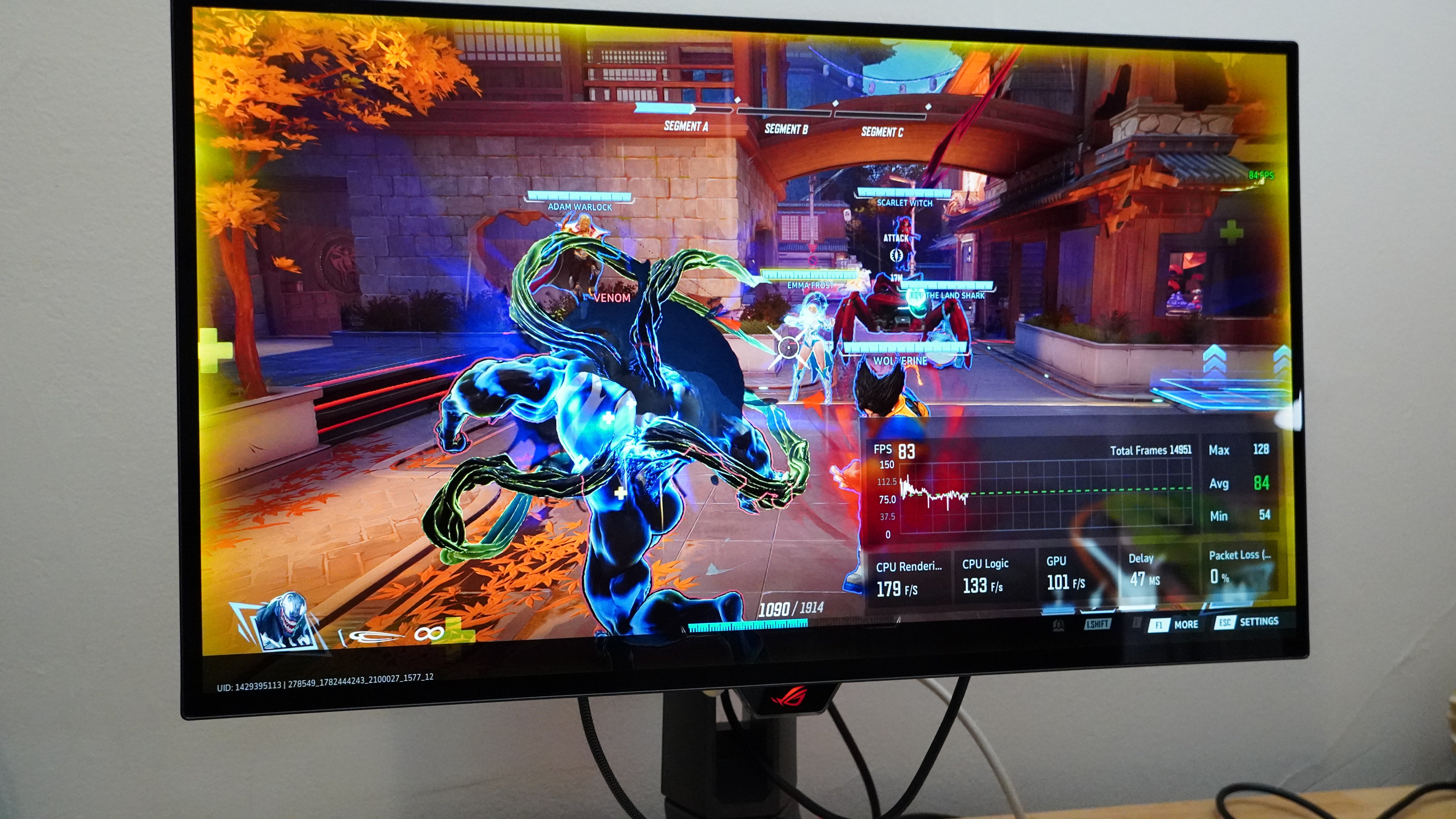
Gaming just makes things all the better. Getting to run at up to 240Hz even at 4K makes the ROG Swift OLED PG27UCWM quite the sight, and for more competitive or fast-paced games, the option to drop down to 1080p and crank it up to 480Hz can come in clutch. I played through a chunk of Assassin’s Creed Shadows and enjoyed the sharp detail and potent contrast that brings the game world to life one day, and the next swapped over to 1080p so I could blitz through levels in Hades 2 and power through enemies in Trepang2. The monitor kept up with all the intense action and kept the details incredibly clear.
Switching modes is also simple. A single tap on a dedicated shortcut button switches between modes (a clear on-screen indicator of this happening would be helpful, though).
The 1080p resolution starts to hurt a little on the 27-inch panel, but you really only need to swap over when you are playing something that calls for more than 240fps, and in those cases, the pixels will generally be moving too fast to notice them individually.
Mark Knapp is a contributing freelancer for IGN covering everything electronics and gaming hardware. He has over 10 years of experience in the tech industry with bylines at PCMag, Reviewed, CNET, and more. Find Mark on Twitter @Techn0Mark or BlueSky at @Techn0Mark.